Showing posts with label christmas. Show all posts

November 22, 2016

Two-Sided Christmas Card
Free Download


Hey Everyone,

Like I promised, here is my Christmas card for this year. I wanted something simple and that's what I did. I wanted a design that allowed me to write personal notes to each family/friend that we are sending these to, hence the large white space. I also didn't want to have anything on the front of my card. I know some relatives use the card as my family's portrait for the year.

I really love the way it turned out and I'm even more excited by the amazing print job that Persnickety Prints did! Seriously, I was blown away when I got my package. I live in Kansas and it was quick printing and delivery!  If you are a Utah local, you would get them super fast and if you live in the Orem/Provo area; you would get them literally next day if you did pick up at store. Sooooo freaking fast! As a photographer print quality is very very important to me and Persnickety nailed it!

Thanks Persnickety! Here is a photo of my card from Persnickety.

Anyways, to download this card follow the steps below.! We'd love to see our designs in print! Please add a comment with an image.


TO DOWNLOAD THE PHOTOSHOP FILE FOR YOUR OWN PERSONAL USE, GO HERE

If you don't have photoshop, No worries! I've got your back. I've created a version without the "Love, the..." It just has "Be Merry" on the back for you to then add your own signature after printing. With this version you just need to send this to the print shop you prefer, along with any image.  No editing required. (I highly recommend Persnickety Prints!)

TO DOWNLOAD THE JPEG VERSION FOR YOUR OWN PERSONAL USE, GO HERE

***NOTE!!!! THIS IS NOT A PHOTO CARD! You will need to send this to a professional printer that does two sided printing. 


Here are few steps to help you with the Photoshop file.  

1) Again, it's a photoshop file. You will need photoshop to edit the card yourself. 

2) You will need to download and install this font from dafont.com.

3) There are only three layers 1) Background, 2) The main design and 3) Love, The.... Just  change your name from "Morgans" to your last name, and add 2016 to the end. 

If you want us to edit the card, because, 1) it's easier for you for us to do it or 2) you don't have photoshop.. we charge $10 to edit.

If you have any questions, leave a comment or email us at lovinglifedesigns@gmail.com


*Remember - Loving Life Designs downloads are for followers only. We ask that if you download our creations you become a follower. It only takes a second. Thanks.

Thanks for reading!


Creative Commons License

November 15, 2016

Christmas Card 2016
Free Download

Hi everyone, it our annual Christmas card download time. WOOOO!

This is our Christmas Card for the 2016 year. We designed it as a photo Christmas card. Instead of worrying about a back, and finding a printer that will do a back and front side, send it to your local print shop or your favorite site, here are a few places that print amazing!!! www.mpix.com, www.nationsphotolab.com or www.persnicketyprints.com/.... etc and print as a photo. Good luck! I've used all of these companies and they are all great! This year for my Christmas card, which I will post for you to download too, I used www.persnicketyprint.com.

*Sidenote - It's a 4x6 size photo card


TO DOWNLOAD FOR YOUR OWN PERSONAL USE, GO HERE

Have fun with it! We would love to see our designs in print! Add a comment with an image.


Here are few steps to help you with the file.  

1) It's a photoshop file. You will need photoshop to edit the card yourself. 

2) You will need to download and install this font from dafont.com.

3) There are only three layers 1) Background, 2) The main design and 3) Love, The.... Add your picture in-between the Main design and the background layer. Super simple! Remember to change your name from "Morgans"

If you want us to edit the card, because, 1) it's easier for you for us to do it or 2) you don't have photoshop.. we charge $10 to edit.

If you have any questions, leave a comment or email us at lovinglifedesigns@gmail.com


*Remember - Loving Life Designs downloads are for followers only. We ask that if you download our creations you become a follower. It only takes a second. Thanks.

Thanks for reading!

Creative Commons License

November 3, 2014

Love, Joy, and Happiness Holiday Card Design
Free download


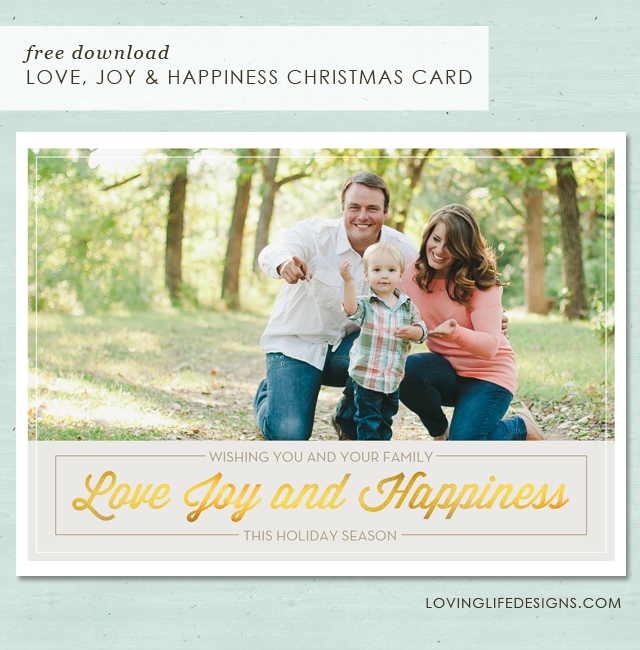
Hey everyone, It's that magically time again. CHRISTMAS TIME IS HERE! This year I created a classic looking design for y'all to use as your holiday card. I honestly love, love, LOVE it!  This card is also featured in our new etsy shop.

TO DOWNLOAD FOR YOUR OWN PERSONAL USE, GO HERE

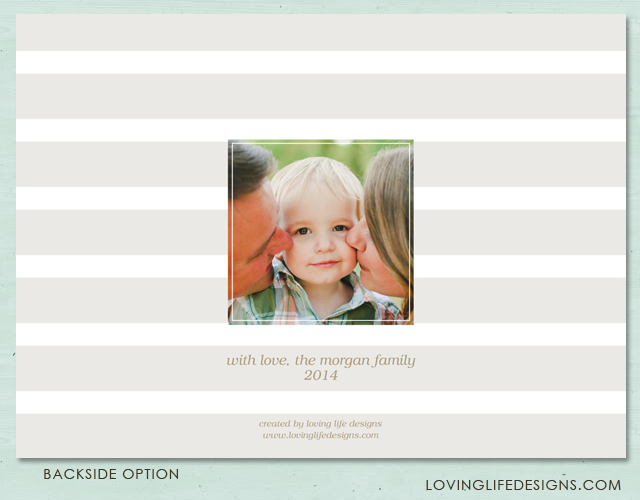
You'll need to download the font for the backside's "with love" part. The font is titled, Tex Gyre Bonum. I used the font's italic option. Download it here at Squirrel Fonts.

Have fun with it! We would love to see our designs in print! Add a comment with an image.


Here are few steps to help you with the file.  

1) It's a photoshop file. You will need photoshop to edit the card yourself. If you don't have photoshop, purchase this from our new print shop. We'll handle all the editing and printing for you.

2)There are two folders. One for the backside and one for the front side. You can't just auto select the layers. You will have to click on each layer individually to edit them. I created a layer in each folder saying "add photo here" above the clipping mask shapes. 

3)You'll want to then create a clipping mask to get the photo in the appropriate location. Elizabeth created a great tutorial on clipping masks in her last post, here.

If you have any questions, leave a comment.


*Remember - Loving Life Designs downloads are for followers only. We ask that if you download our creations you become a follower. It only takes a second. Thanks.

Thanks for reading!


Creative Commons License

October 8, 2014

"The Magic of Christmas" Chalkboard Christmas Card
Free Download

Yes, Yes,  Halloween is still to come, but I know it, you know it, EVERYONE knows it. It's time to start thinking about Christmas.

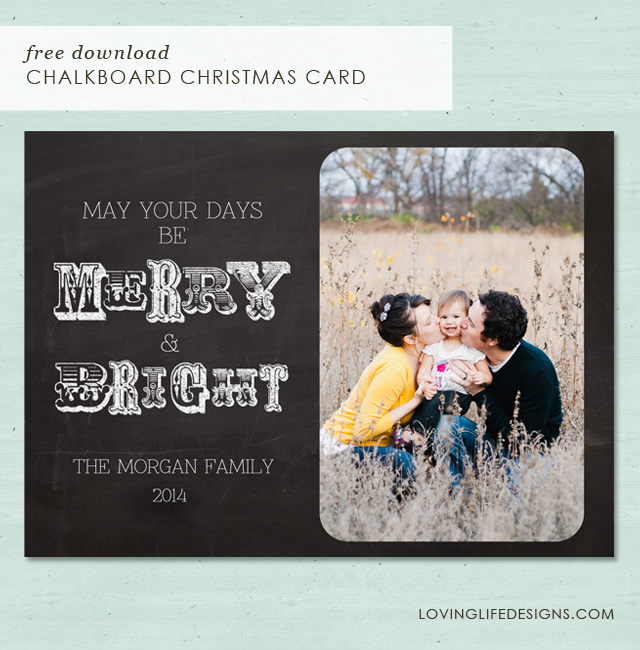
Today I have another Chalkboard Christmas Card for you to download. For some reason we're really on a chalkboard kick.  This card is also featured in our etsy shop if you don't want to do the editing and printing yourself.

I've done something a little different with this card than I have with other cards, in the past.  The image area is a clipping mask. What is a clipping mask? I'll let adobe explain.
"A clipping mask is a group of layers to which a mask is applied. The bottommost layer, or base layer, defines the visible boundaries of the entire group. For example, suppose you have a shape in the base layer, a photograph in the layer above it, and text in the topmost layer. If the photograph and the text appear only through the shape and outline in the base layer, they also take on the opacity of the base layer. "
Clear as mud? I thought so. You can read more about it here. Scroll down to see the tutorial on how to add an image using a clipping mask.

I used two fonts for this Christmas Card, DK Carte Blanche and DK Wayang. They both can be downloaded from DaFont.com.


*Remember - Loving Life Designs downloads are for followers only. We ask that if you download our creations you become a follower. It only takes a second. Thanks.

If you don't want to handle the pain of editing or printing yourself, let Loving Life Designs do it for you! You can purchase this card and many others in our new print shop.

This card requires two downloads. The front of the card, which is a PSD file, and the back of the card. For the back of the card I have two download options for you, a JPG or a PNG.


Thanks for reading.

Enjoy - (: 


How to add your family image using the clipping mask to loving life designs Christmas card.
  1. In photoshop click file/open.

     
  2. Navigate to your family photo. 


  3. Click on it and then hit enter/return or the open button. 
  4. Drag the photo onto the christmas card. (Seriously, it's as easy as grab, drag and drop.)


  5. Move the family photo layer to just above the layer titled clipping mask shape
  6. Right click the family photo layer and select create clipping mask. 


  7. If you have it lined up correctly the happy couple with the dog should disappear and your image should only be seen in it's place. 
  8. Resize the image to your liking.


  9. Thats it! Enjoy your Christmas Card.  If you have any trouble email us at lovinglifedesigns at gmail.com
Creative Commons License

October 3, 2014

Snowflake Merry & Bright Christmas Card
Free Download

Hey everyone, guess what is just around the corner! Christmas!! I know you aren't thinking about it right now. Nor am I! I'm still concentrating on Labor day of this year, and pleading with the weather Gods to keep up this beautiful weather we are having here in Kansas right now. It won't though. :( I'm honestly not a big fan of cold weather, even though I come from the great state of Utah. 
 
Today, I have this cute 5x7 christmas card for you to download (for personal use only). I created this card years ago for one of our readers. I decided to finally make it available for everyone else. I made some small changes to the original, but I still love this design even if it's more then a few years old. 
 
It's relatively easy to navigate in photoshop. I have a front to the design and a simple design for the backside (It is optional! below you will find instruction on what to do with it). I thought you could write personal messages to each person/family/relative you send these to, with the amount of negative space I give in the back. Make sure you have the appropriate font installed on your computer. I used the font called Euphorigenic. You can download it at dafont.com
 
TO DOWNLOAD FOR YOUR OWN PERSONAL USE, GO HERE
 
*Remember - Loving Life Designs downloads are for followers only. We ask that if you download our creations you become a follower. It only takes a second. Thanks. 

  If you don't want to handle the pain of editing this for print yourself, let us do it for you! Purchase this from our new print shop, go here to check it out. 


A little note about the psd file -

If you want to use the optional  backside for a double sided card - There will be two different folders and a layer with guidelines. One folder will have all the layer for the front design and layers for the optional backside. When you open the file, you will see what I mean. I suggest you save the different sides as a png or jpg file and naming them something like "backside/front for invitation". * sidenote: make sure that you hide the other layer when saving them for print, especially the guideline layer!

Where can you print double sided cards? You can use *Costco or *Vistaprint. There are other services but you can use, but you can do your own homework on that one.

If you are not planning on using the optional backside - If you plan on printing this as a 5 x 7 photo and purchasing your own envelopes. Then ignore the backside layer - you can delete it or just hide it, then begin working on your invitation.

If you have any problems email us at lovinglifedesigns at gmail dot com. 

*We are not getting paid to say that!

Enjoy!  Michelle 
Creative Commons License

October 1, 2014

Announcing Loving Life Designs
Print Shop


Today we would like to make a quick announcement about our NEW Etsy print shop.

Thats right! We have started a shop. We will still offer our designs for free here on our blog. Eventually, Loving Life Designs will be offering premium designs in the print shop. But that is not today.

What do you get if you purchase from our shop?

• First things first, Loving Life Designs will edit the design for you. This is wonderful if you don't have photoshop or any other PSD editing software.

• Take the hassle out of printing greeting cards and invitations yourself. Isn't it just a pain to figure out how to print it? where to do print it? and what is the best? We have done our research and have found a company that we are excited and confident about. They are amazing and we are positive you'll love them too. You can have your cards in as little as 7 days.

What comes with the cards and invitations?

• You get an amazingly high quality double sided digitally printed flat greeting card on 110lb cover stock card stock

•AND mailing envelopes.  (white for invitations and general greeting cards, holiday red for christmas cards)

Prices start at $30 for 15 cards.

Here are just a few items that are now available in the shop?


Don't see your favorite design from Loving Life Designs? No problem just drop us a line at lovinglifedesigns@gmail.com and we will make it.

*Remember all our designs are still free for you to download here and edit yourself. We are just helping to take the guess work out of doing it yourself.

Tell your friends and family.

Enjoy :)


Creative Commons License

December 5, 2012

Another Christmas Card Design- 2012 - {Free Christmas Card Design}

UPDATE: I've updated the download to allow you to change the date of the card. I'm sorry I never changed it till now.

Hey Everyone!

Today, I know finally... your thinking...what Michelle is posting! That is crazy! I have been a little MIA on the blog lately. Apologies!

Anyways, I designed this a few weeks back and am now just getting it up on the site for everyone to download and use! I am terrible!

I really love it! It's a 5x7 photo card.


*Loving Life Designs downloads are for followers only. If you wish to download our creations we ask that you become a follower, it only takes a second. Thank you. 


It's a psd (photoshop) file. You can edit the "The Morgan Family" and add your own picture. The font I used is HERE, from dafont.com. It's called  Znikomit.

If you need help downloading a font and installing it, Elizabeth wrote and awesome tutorial. Go HERE to read it.

Here is a quick over view on how to add your photo to the photo card. Or any photo card for that matter.

1. Download the file. It's always best to choose your desktop so it's easier to find. It will be titled "Christmas 2012lovinglife.psd"

2. Open it up in Photoshop.

It should look like this when opened. You should see two layers in your layers palette.  One layer will be the "Merry and Bright" and the top layer is "The Morgan Family" font layer. * Remember to download and install the font before you edit the file or Photoshop will choose a different font.


3. Select the photo you would like to use and drag it into the file. Press "enter" once you get it in there.  The photo should be your top layer now.


Or you can go to "File" "Place" to open your photo in the file.


4. You are now going to drag your photo's layer and put it at the bottom of all the layers. Once there you can resize (apple "T" or Ctrl "T") and move your photo to the area it's suppose to go.


5. Now, just change "The Morgan Family" to your family name or to Love, The.... etc... it's all up to you! Just be careful about not moving the font layer. It's aligned just right under the Merry and Bright.

6. SAVE!!! I would save the psd. Then "save as" a jpeg.

7. Last thing, send the jpeg file to your local print store. Walgreens, Walmart, Costco, Sam's Club etc.

Enjoy and remember it's always FREE!!!!

Happy Christmas!!!


November 10, 2011

Modern Chevron Christmas Photo Card - {free Christmas card}

Today I have another photo Christmas card. It's a simple chevron design.

free photo Christmas card

I again borrowed the family picture from Michelle's Photography site. I don't have a picture of my family. Although we are twins, michelle is much more photogenic than I. Plus taking pictures makes my husband and I uncomfortable. I know, weird. (hopefully in 3 weeks we'll have a family picture that I'll be willing to share)

You have two different sizes to choose from 4x6 and 5x7.

The file is a Photoshop file so that you can change the family name (the font for that is Rockwell).

The family picture is meant to be a square so you'll have to crop your family picture to make it fit. The Photoshop file should have guidelines for where the picture should start and end but in case they don't show up, the picture starts 1/4 of an inch from the top and ends 1/4 of an inch from the bottom, and it starts and ends 1 inch from the sides. If you follow those dimensions it should fit perfectly.

Let me know if you are having troubles getting the picture to fit right.

One more thing....I do have a slight drop shadow on the picture and the banner. Here are the constraints I used, you'll have to add them to your family picture.


NOTE: The bottom of the banner doesn't show that there is a layer style. Trust me there is. Don't add a second drop shadow to the bottom ribbon or it will make it look a little funny.

Enjoy and as always, it's free.

I would love to see your final card. If you make one from our designs email us...we would love to highlight it on the blog. 

*Remember Loving Life downloads are for followers only. We ask that if you download our creations that you become a follower, it only takes a second. Thanks.


To download the 4x6 go here.

To download the 5x7 go here.

October 31, 2011

Photo Holiday Christmas Card - Peace on Earth {Free Christmas Card}

I know Halloween isn't over yet, but I'm just getting more and more excited for the Holiday Season.

Today I wanted to share with you a Christmas card that I created for you to download for free. I borrowed the picture from Michelle's Photography work. It's a picture of her and her family that she did. Pretty talented huh?


It's pretty simple but I really like how the Peace on Earth turned out.

You have four colors to choose from red, blue, dark green, and light green. Plus two sizes to pick a 4x6 or a 5x7.


The file is in a Photoshop format since you need to be able to change the family names and the picture. You just need to download one file and it will contain all the different elements you need to finish your Christmas card.

If you have any questions feel free to leave a comment with your name and email and I will be happy to answer it.

One more thing....You will need to download and install the font Halo Handletter from DaFont.com (pictured below) in order to change the wording of the font.  Otherwise Photoshop will try to find you a replacement font and it never does a great job at finding a new one.


Enjoy and as always, it's free.

*Remember Loving Life downloads are for followers only. We ask that if you download our creations that you become a follower, it only takes a second. Thanks.

4x6 download


5x7 download


October 17, 2011

Taking Orders - Free Christmas Card Designs

I just want to announce, to those that are interested, that if you would like a custom Christmas card design we are happy to oblige. 

Here is one that I made a few years ago. I made it but never sent it out. I tend to do thinks like that all the time. I think it was because I was planning on doing family pictures and replacing the picture of my daughter with a picture of the family but never got around to making an appointment for that. Another thing that I plan to do but tend to not follow through. (my husband and I photograph horribly)


Email us with the dimensions, a picture that you would like to use, and all additional information that you would like to include in the design and we will attempt to make two separate designs. One created by Michelle and one created by Elizabeth.

Then your task is simple. Pick one to send out or don't. Just let us know with plenty of time so that we can create it for you.

our email is lovinglifedesigns at gmail dot com